Direct payment
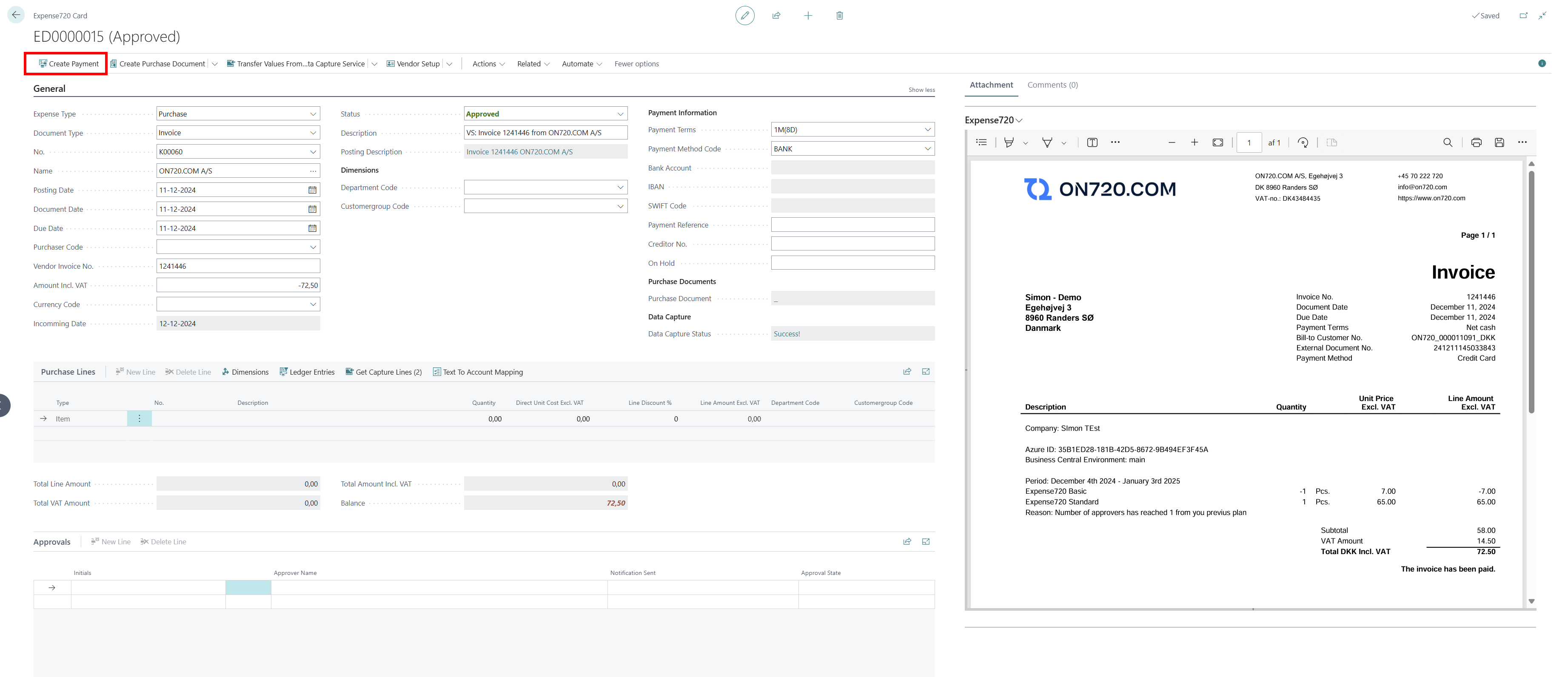
With Expense720, it is possible to make a payment directly from an approved expense before the vendor entry is created. This feature allows users to streamline the payment process, creating a payment entry directly in the payment journal, which can later be exported for bank integration.
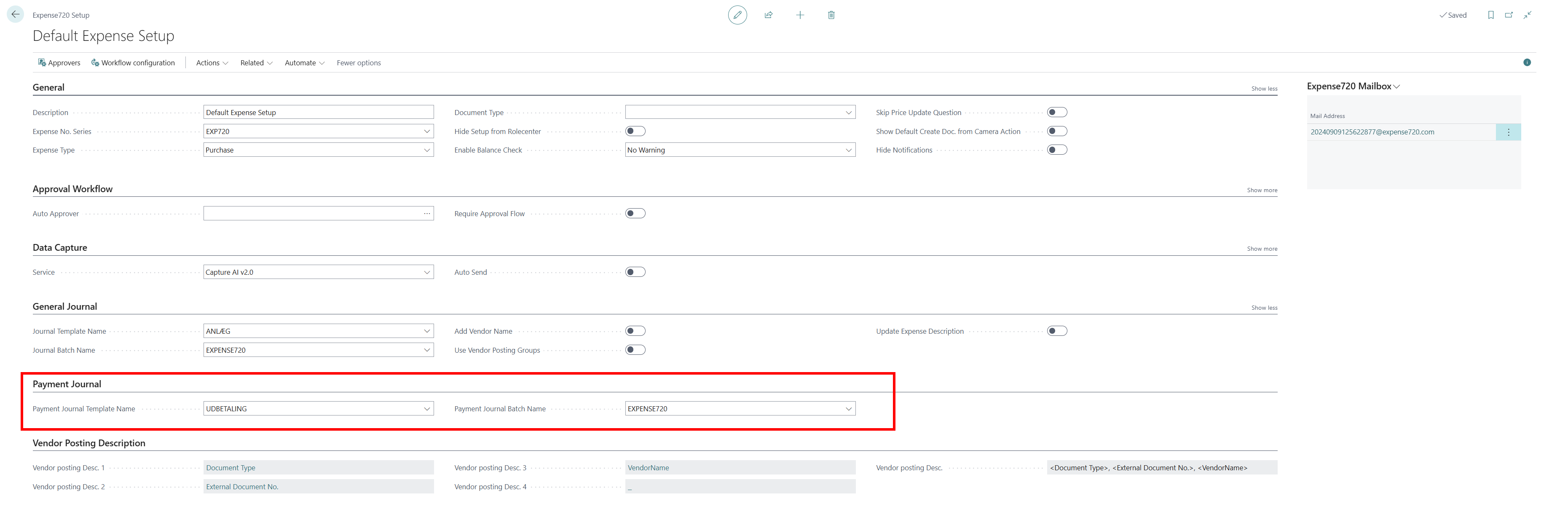
Payment Journal Setup
It is possible to specify a payment journal in the Expense720 settings. Administrators can configure the journal where all payment entries will be created, ensuring alignment with the organization's financial processes.
Usage Workflow
-
Approve an Expense
- Review and approve the expense in the Expense720 module.
-
Initiate Payment
- Select the "Create Payment" option directly from the approved expense.
-
Manage Payment in Journal
-
The payment entry will appear in the configured payment journal.
-
Review and modify if necessary.
-
-
Export Payment File
-
Use the export functionality in the payment journal to generate a payment file.
-
Submit the file to the bank for processing.
-